Your AI engineer,
on your desktop
A native app powered directly by the Cosine CLI. Works alongside any editor. Available on Mac, Windows, and Linux.
Cosine Desktop app showing a task session with file tree, agent output, and diff view
Desktop feature placeholder
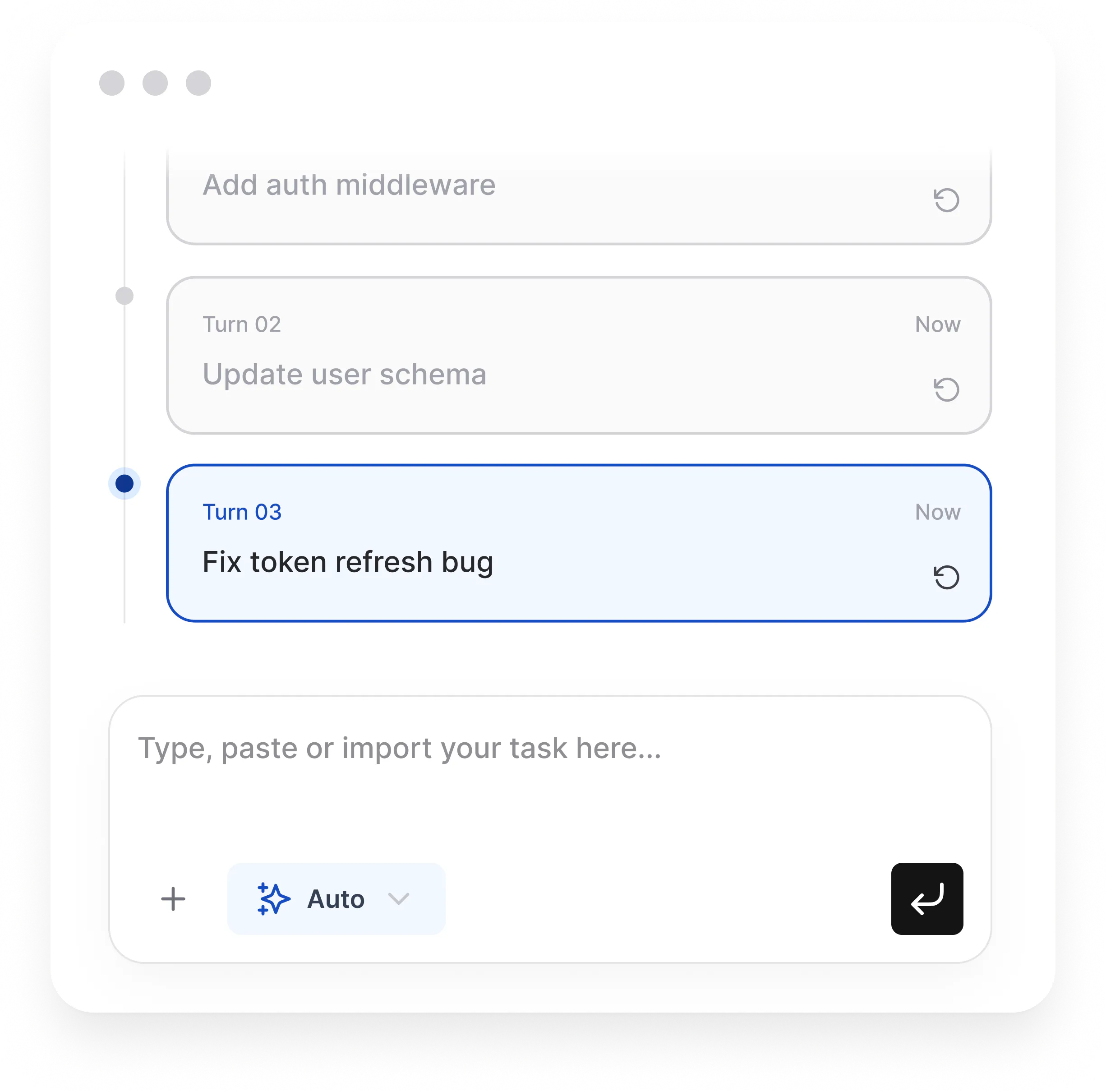
Checkpointing
Every agent turn is a lightweight git commit. Undo any change instantly — nothing is permanent until you say it is.
Desktop feature placeholder
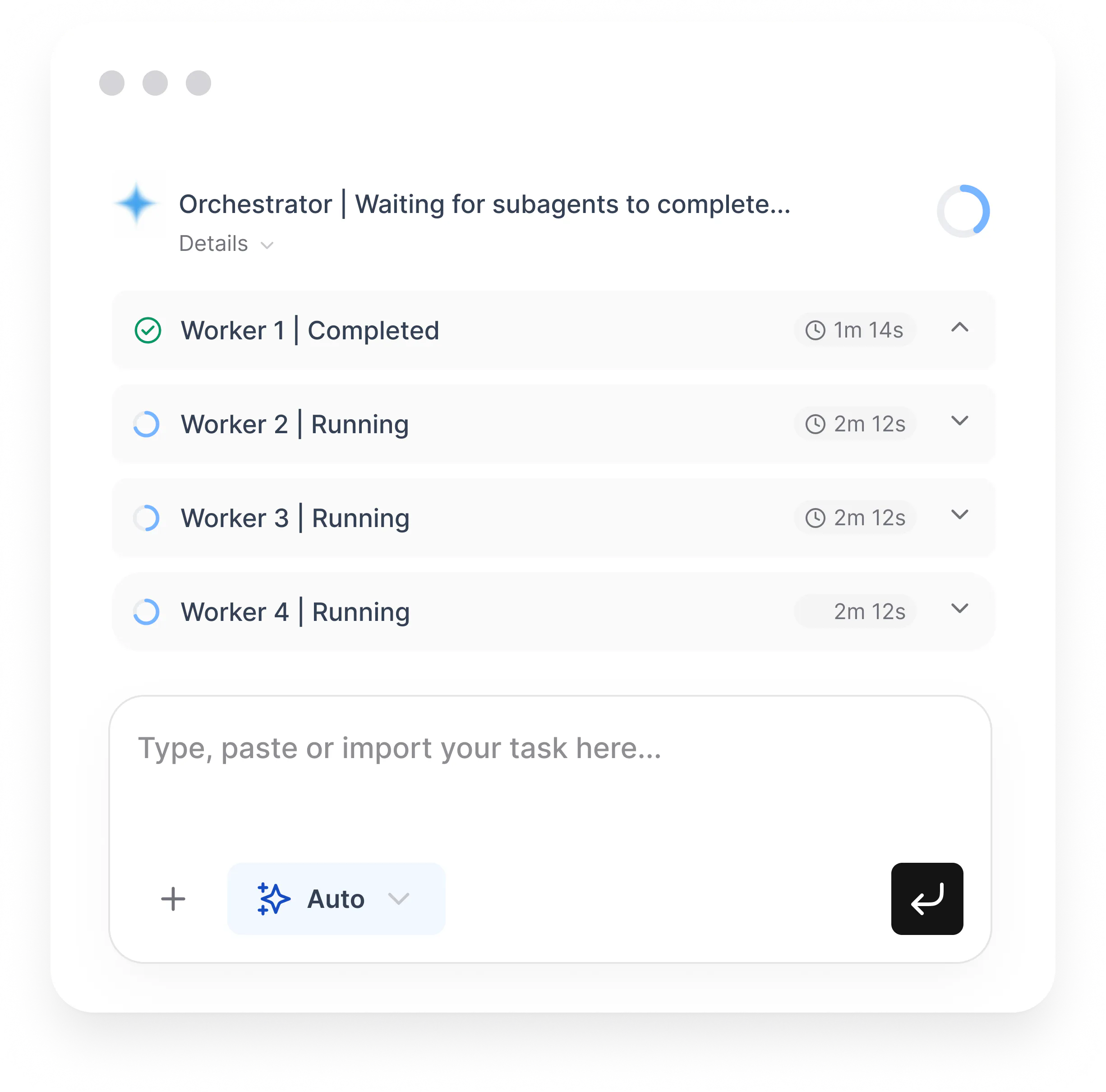
Sub-agents
In Swarm mode an orchestrator spawns specialized child agents that work in parallel — breaking down the task and executing simultaneously.
Desktop feature placeholder
Todo Tracking
Cosine builds and maintains a live task list for every complex job. Watch items tick from pending to done in real time.
Lock in without getting locked in
Cosine Desktop ships with the full model menu and stays model-agnostic by design.
Codex Pro Claude Sonnet 4 Claude Opus 4 Kimi K2.5 Gemini 2 Pro
The CLI is the app.
Not a wrapper around it.
Most desktop agent apps are thin frontends over an API. Cosine Desktop is different: the Go CLI compiles directly into the app binary. There's no subprocess, no JSON bridge, no abstraction tax. Every capability available in the terminal is available in the desktop with zero overhead.
We chose native OS WebView — meaning no bundled browser runtime and no heavyweight install footprint. The app is fast because we didn't compromise on the fundamentals.
Pink and blue wave background

● DESKTOP — ACTIVE

→ Go core embedded in the app binary

No subprocess bridge...

No heavyweight browser runtime...

→ Native OS WebView

Multi-window sessions ready

Same agent, zero overhead

→ Platform-connected

Learn more →
As many sessions as you need.
Slack took ten years to ship multi-window. VS Code shipped it last year. Cosine Desktop has it at launch — because working on more than one thing at once isn't a power-user edge case, it's Tuesday.
Every window is an independent agent session. Different branches, different models, different tasks — all running concurrently on your machine. Compare approaches, keep context separate, close what you don't need.
No limit.
Four Modes.
For Every Kind of Work.
From scoping work to autonomous execution, you can choose how much oversight you want and switch modes as the task evolves.
Soft pink glow background circle
Auto
Reads, writes, runs, and iterates without stopping. Set the task and walk away.
Plan
Research broad changes before committing to edits or execution.
Swarm
Split bigger efforts into coordinated agent workstreams without losing context.
Manual
Asks before making changes. You stay in control.
Start local. Scale when you're ready.
Cosine is one product across three surfaces: CLI, Desktop, and Cloud. Each extends the last — nothing is thrown away when you go further.
The desktop is the hub. When you want to run tasks overnight, spin up 20 agents in parallel, or keep working from your phone while your laptop runs a long job — the cloud is already connected. Same account, same context, no migration.
  • CLI for terminal-native power users and scripting
  • Desktop for rich interaction, multi-window, visibility
  • Cloud for parallel agents, remote execution, cross-device continuity
  • All three share the same account and model settings
Explore the cloud