Your coding agent.

> in your terminal_

brew install CosineAI/tap/cos
Docs
Four Modes.
For Every Kind of Work.
From scoping work to autonomous execution, you can choose how much oversight you want and switch modes as the task evolves.
Soft pink glow background circle
Auto
Reads, writes, runs, and iterates without stopping. Set the task and walk away.
Plan
Research broad changes before committing to edits or execution.
Swarm
Split bigger efforts into coordinated agent workstreams without losing context.
Manual
Asks before making changes. You stay in control.

Built for how you actually work

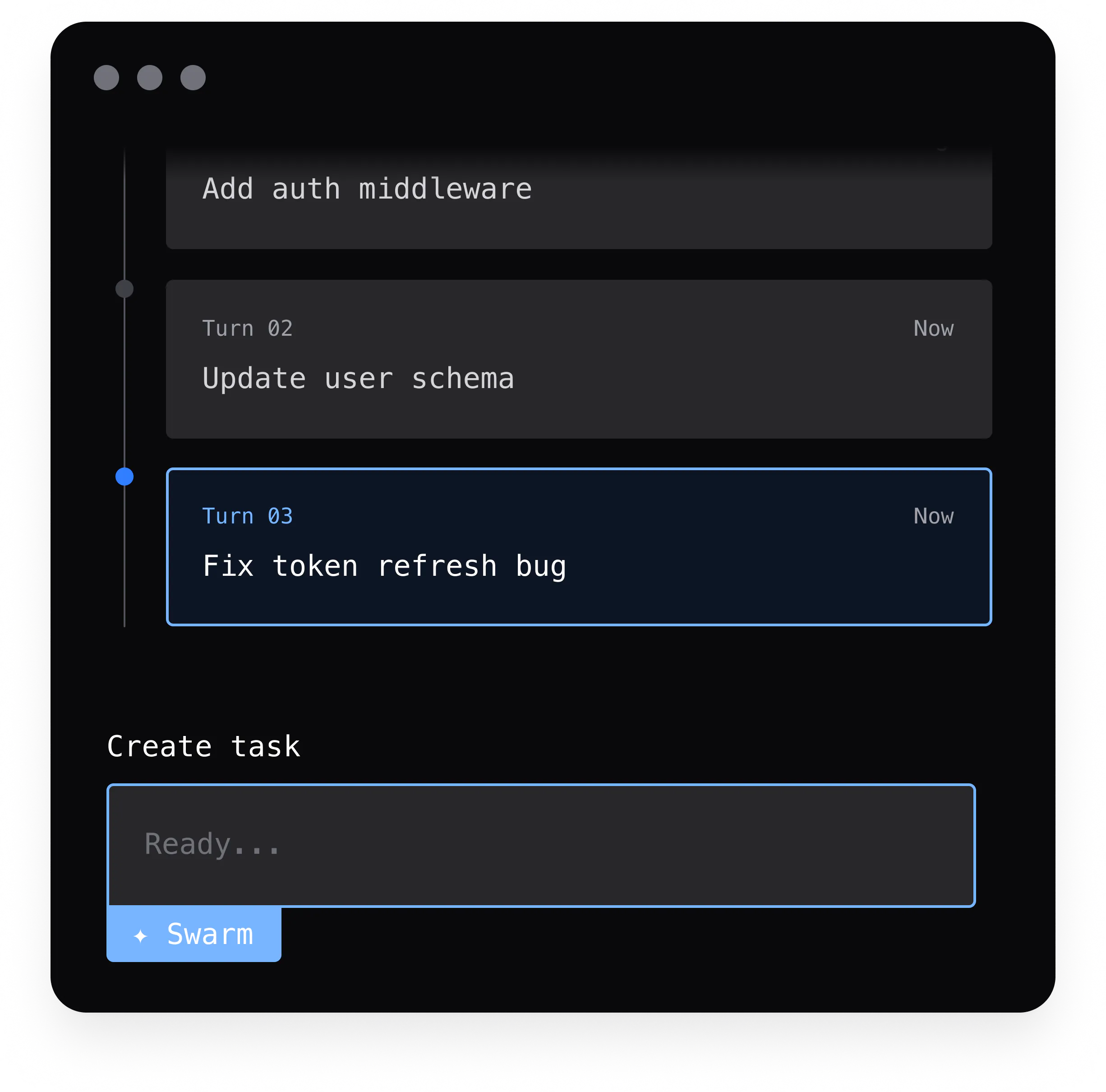
turn 1 2m ago

Add auth middleware

turn 2 1m ago

Update user schema

turn 3 now

Fix token refresh bug

undo turn
ctrl+z

Checkpointing

Every agent turn is a lightweight git commit. Undo any change instantly — nothing is permanent until you say it is.

task list
Scaffold auth module
Write login endpoint
Add JWT middleware running
Write tests
Update docs

Todo Tracking

Cosine builds and maintains a live task list for every complex job. Watch items tick from pending to done in real time.

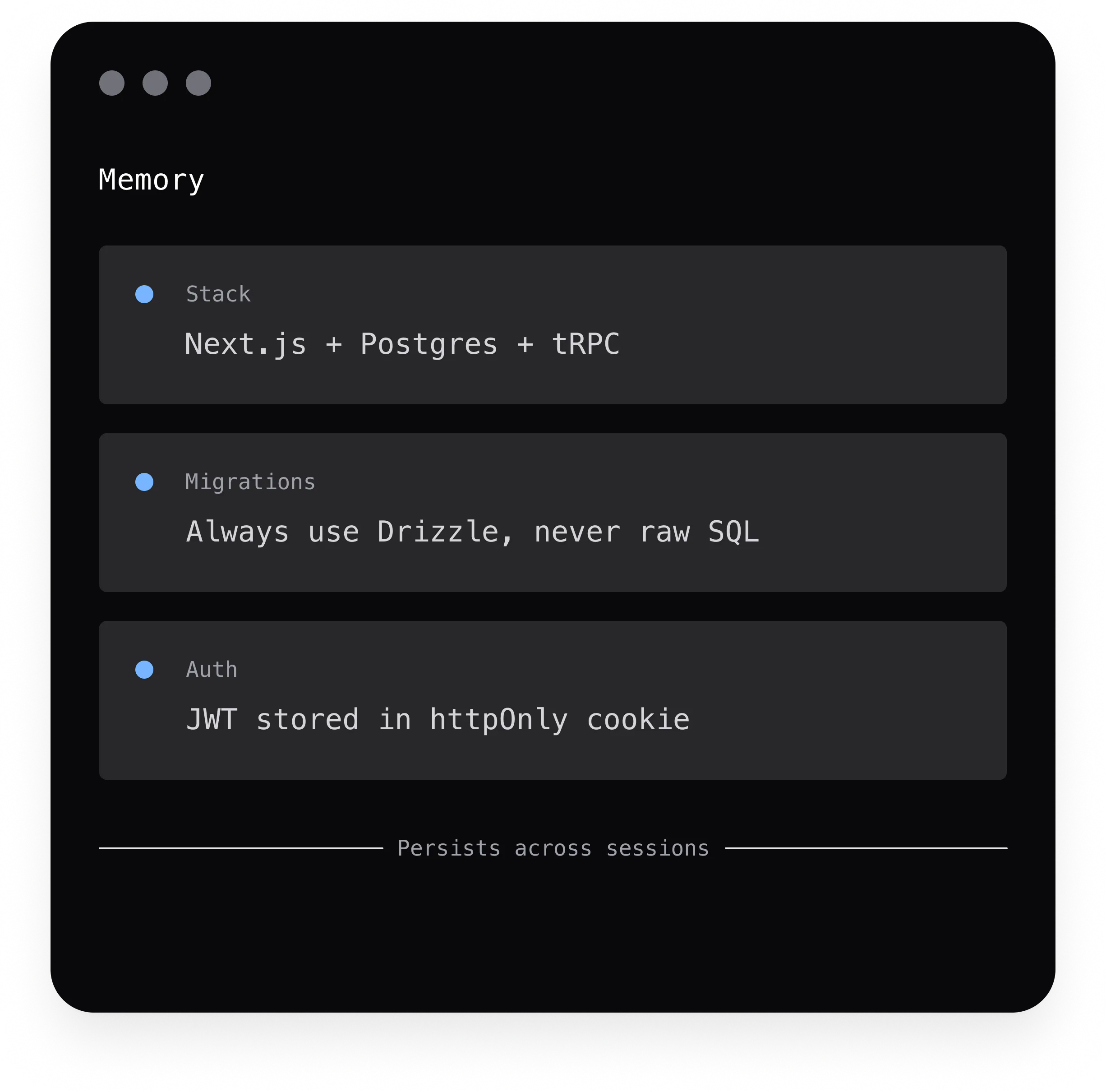
stack Next.js + Postgres + tRPC
test runner Vitest — run with pnpm test
migrations Always use Drizzle, never raw SQL
auth JWT stored in httpOnly cookie
persists across sessions

Memory

Project conventions, architecture decisions, and hard-won context persist across sessions. You never repeat yourself.
cos
Gi
GitHub
Po
Postgres
Sl
Slack
Fi
Files
Li
Linear
Cu
Custom

MCP

Connect any external tool — GitHub, databases, Slack, file systems — via Model Context Protocol. Cosine calls them on your behalf.

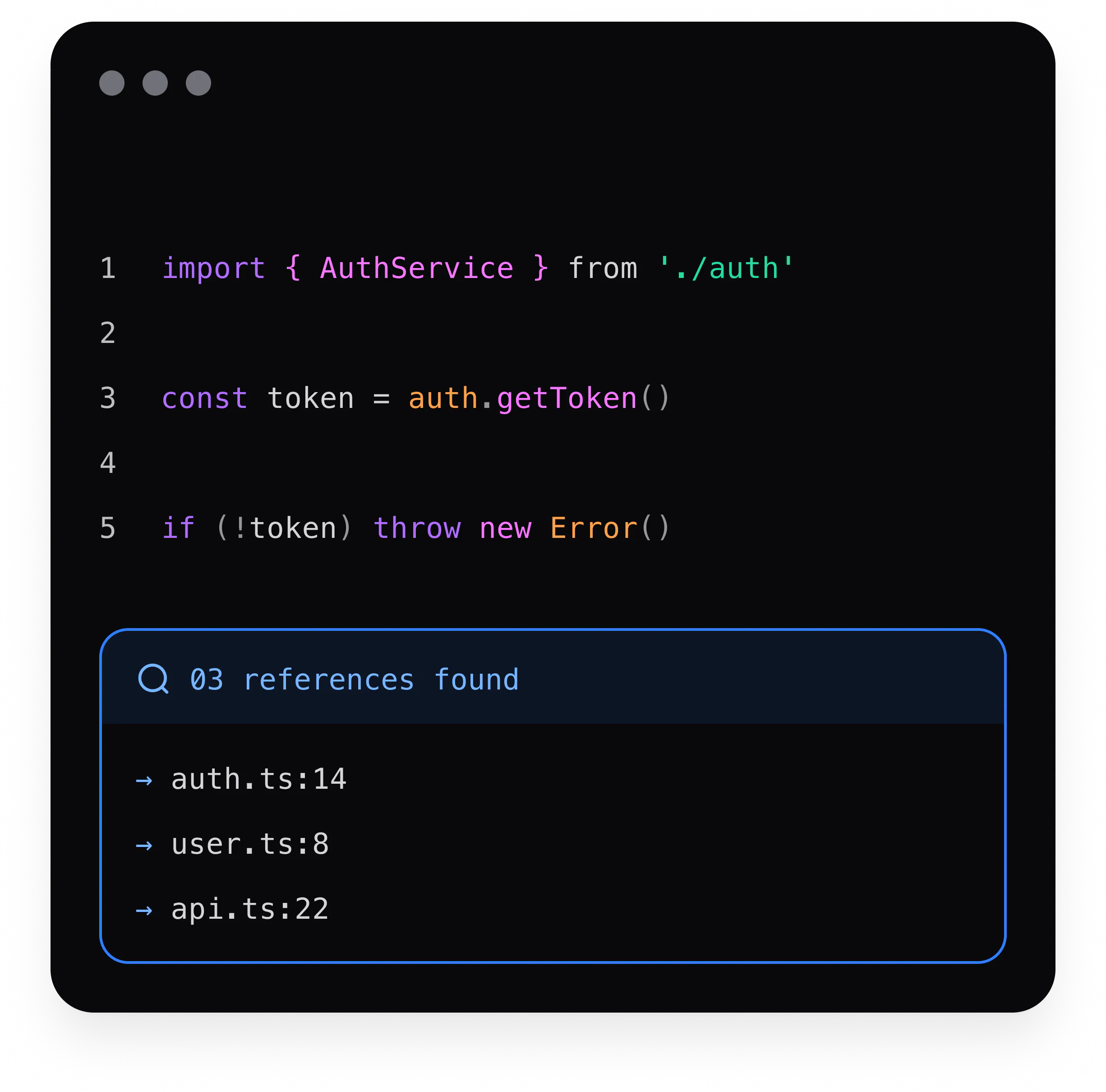
1import { AuthService } from './auth'
2 
3const token = auth.getToken()
4 
5if (!token) throw new Error()
3 references found
auth.ts:14
user.ts:8
api.ts:22

LSP

Auto-installed language servers give Cosine IDE-grade intelligence — go-to-definition, find references, rename, and live diagnostics.

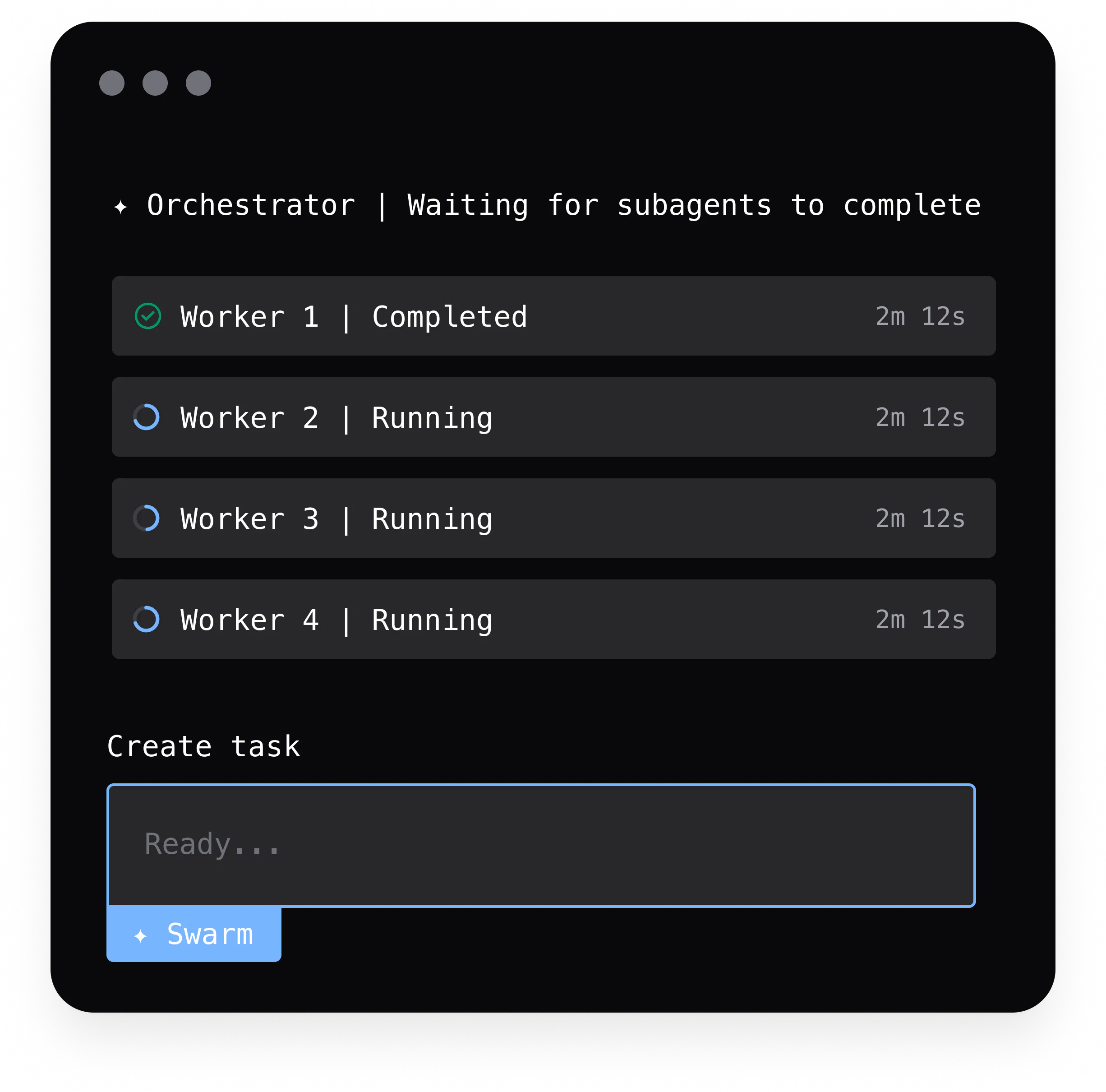
orchestrator planning

worker 1

auth module

done

worker 2

api routes

running

worker 3

tests

queued

Sub-agents

In Swarm mode an orchestrator spawns specialized child agents that work in parallel — breaking down the task and executing simultaneously.
Remote Agents

Your TUI stays local while the agent runs in a Cosine cloud workspace. Stream tool calls and file edits back to your terminal in real time.

local
$ cos start --remote
◆ connected
streaming...
cosine cloud
reading files...
✓ edit auth.ts
✓ run tests
→ fix lint errors

Your choice of intelligence

20+ frontier models. One interface. The model is the engine. The product is the car. Change models mid-conversation. Use the right brain for the right job.

Codex 5.3 1x
GPT 5.5 2x
GPT 5.4 1x
GPT 5.4 1M 1.5x
Lumen Scout 0.1x
Haiku 4.5 0.25x
Sonnet 4.6 2x
Sonnet 4.6 1M 4x
Opus 4.6 3x
Opus 4.6 1M 4.5x
Gemini 3.1 Flash Lite 0.25x
Gemini 3.1 Pro 1x
Gemini 3 Flash 0.25x
Kimi K2.5 0.5x
MiniMax M2.7 0.5x
Qwen 3.6 Plus 0.5x
GLM 5.1 0.25x
Nemotron 3 Super 0.5x

Connect Cosine to everything.

Over 1,000 MCP servers available — GitHub, Slack, Jira, Linear, PostgreSQL, Stripe, and more. Connect your entire stack to Cosine with a single config file. New integrations added every week.

MCP docs
Start local. Scale when you're ready.
Cosine is one product across three surfaces: CLI, Desktop, and Cloud. Each extends the last — nothing is thrown away when you go further.
The desktop is the hub. When you want to run tasks overnight, spin up 20 agents in parallel, or keep working from your phone while your laptop runs a long job — the cloud is already connected. Same account, same context, no migration.
  • CLI for terminal-native power users and scripting
  • Desktop for rich interaction, multi-window, visibility
  • Cloud for parallel agents, remote execution, cross-device continuity
  • All three share the same account and model settings
Explore the cloud